Adding Staff
Add your service providers (stylists, therapists, beauticians) so they can be assigned to services and booked by clients.
Steps
- Click Service Providers in the sidebar
- Click Add Provider
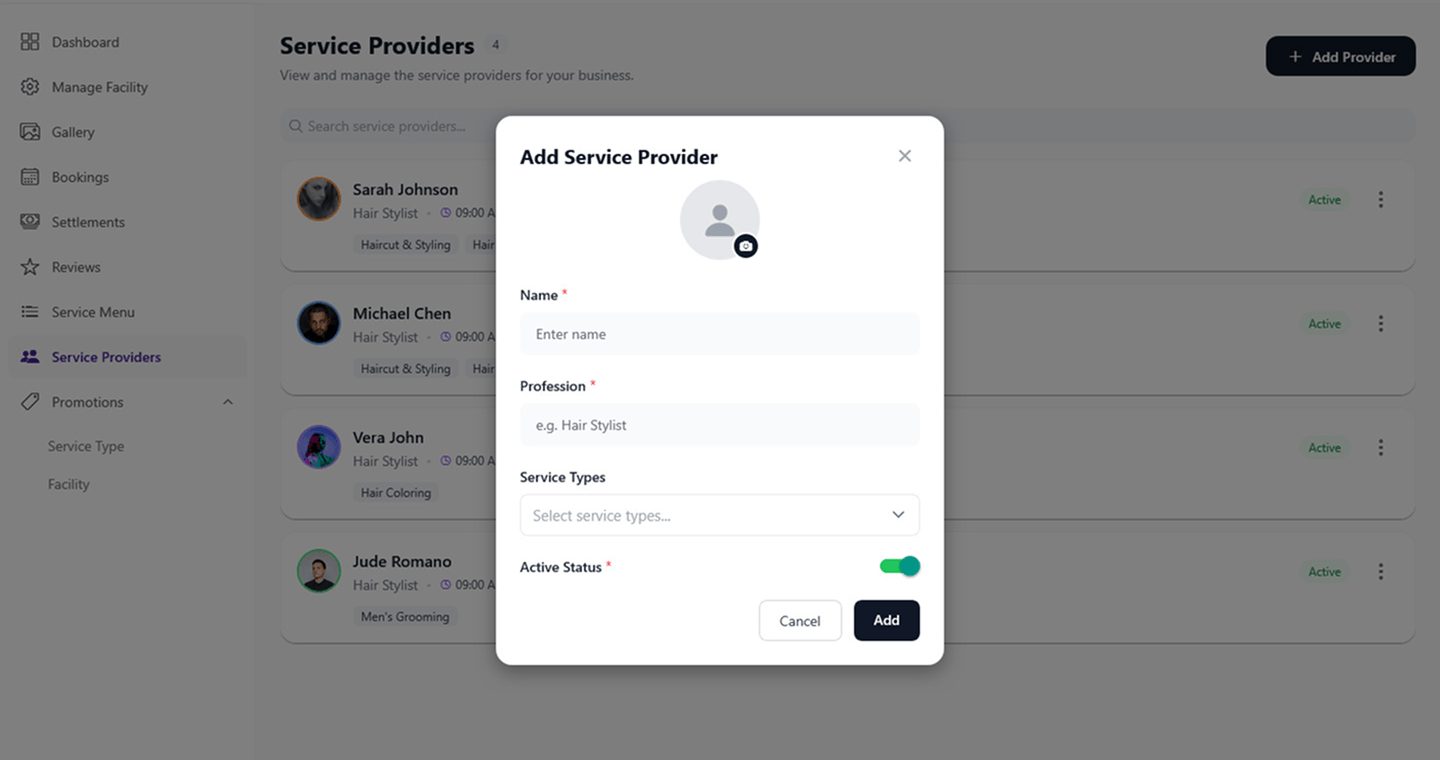
- Fill in the provider's details:
- Profile Image — tap the camera icon to upload a photo (optional but recommended)
- Name — the provider's display name
- Profession — their role or specialization (e.g., "Hair Stylist")
- Service Types — select the services this provider offers
- Active Status — toggle to set the provider as active or inactive
- Click Add
Field Reference
| Field | Description | Required |
|---|---|---|
| Profile Image | Provider's photo | No (recommended) |
| Name | Provider's display name | Yes |
| Profession | Role or specialization | Yes |
| Service Types | Which services they can perform | No |
| Active Status | Whether the provider is active and bookable | Yes |
What's Next?
After adding your staff:
- Manage your staff — edit details, activate/deactivate providers
- Set up their schedules — configure working hours and days off